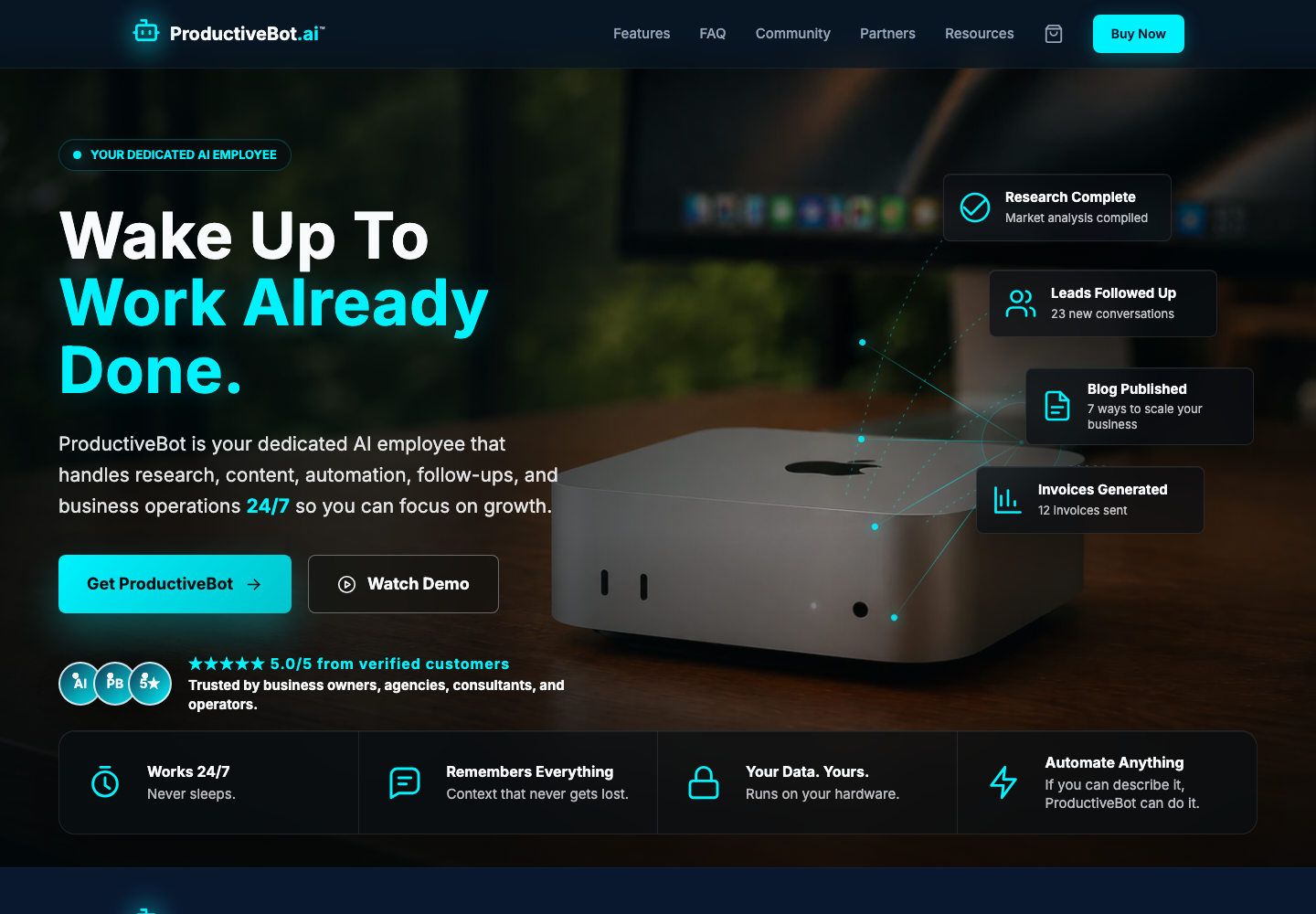
| Homepage |
Full desktop, full mobile, hero, product/value, social proof, how-it-works, CTA |
Use current production content. Section-level crops are valid and often preferable. |
| Support admin portal |
Ticket queue, conversation/detail, customer/session context, status/actions |
Internal team view. Redact customer PII, secrets, tokens, private URLs, and message content not approved for creative use. |
| Online Scout |
Landing/status, diagnostic result, guided action, recovery/success |
Show the actual online customer support UX, not the setup-wizard Scout panel and not the Gateway behind it. |
| ProductiveBot Mac app |
Menu-bar icon at native scale, open menu, key status states, primary actions |
Include enough macOS chrome to establish the menu-bar context. Keep the icon and labels pixel-sharp. |
| Skill Store |
Customer browse page, categories/search, skill detail, install/permission state |
Capture the customer Skill Store at support.productivebot.ai/skills. Do not substitute the Gateway's installed-skills screen. |
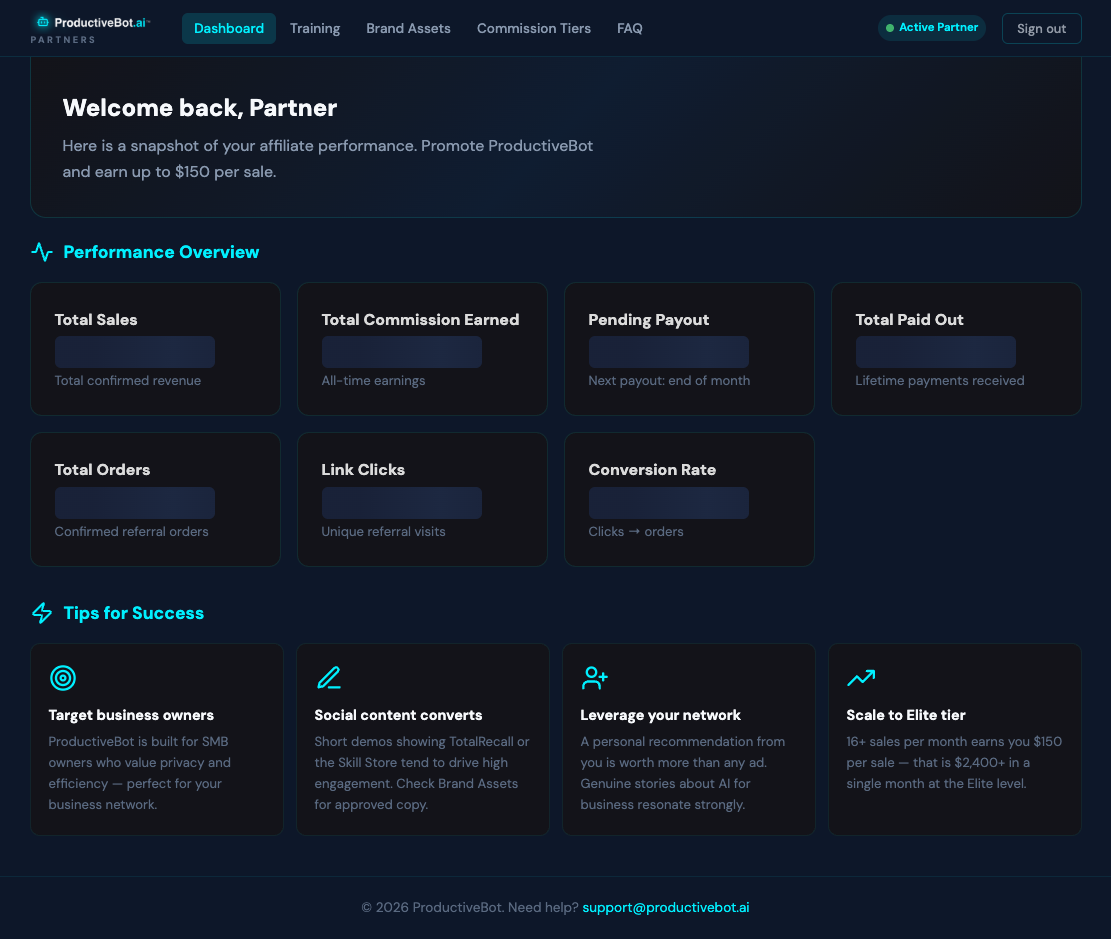
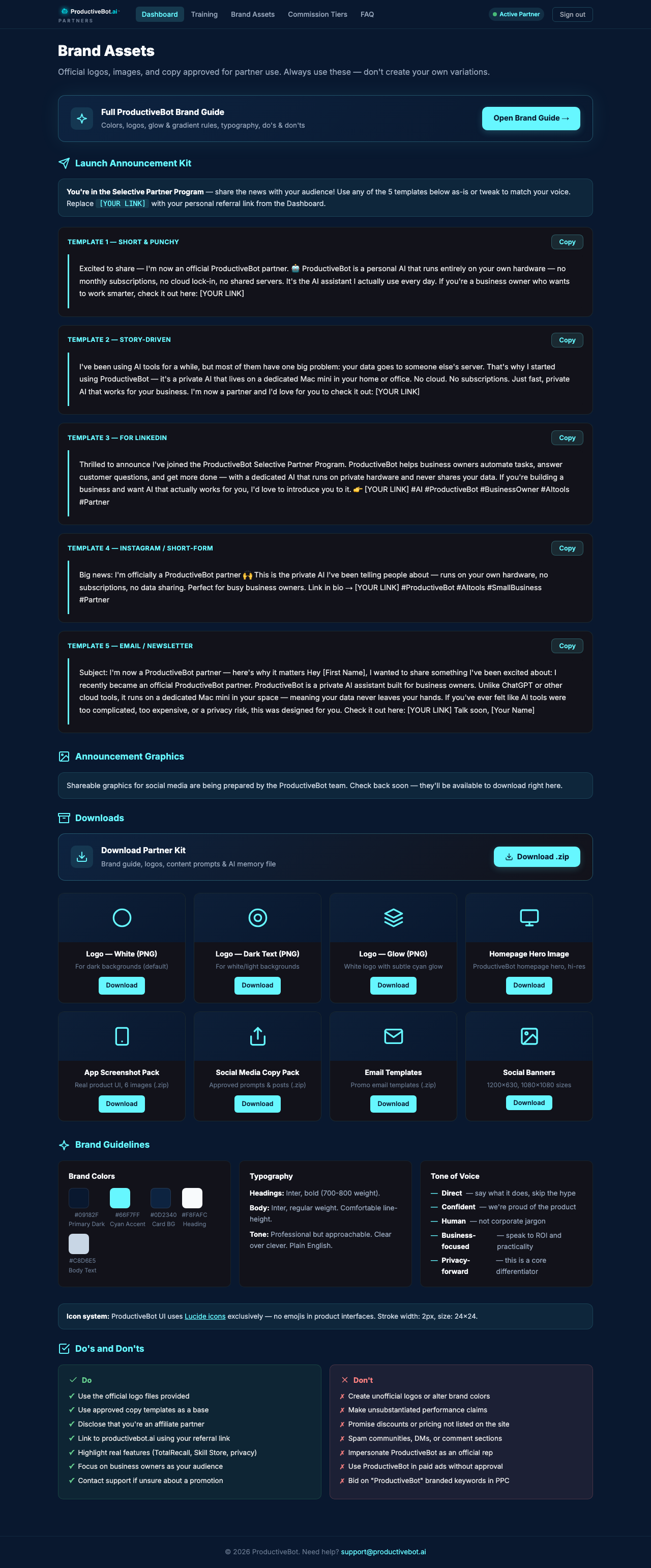
| Customer partner portal |
Login, dashboard, training, brand assets, tiers/earnings where appropriate, FAQ |
Label customer-facing versus internal admin surfaces correctly. |
| Finalized emails |
Desktop and mobile renders of approved welcome, order/onboarding, support, update/newsletter, and partner emails |
Only finalized templates. Capture subject/preheader plus body; use seeded test data and remove live recipient data. |
| Blog visual examples |
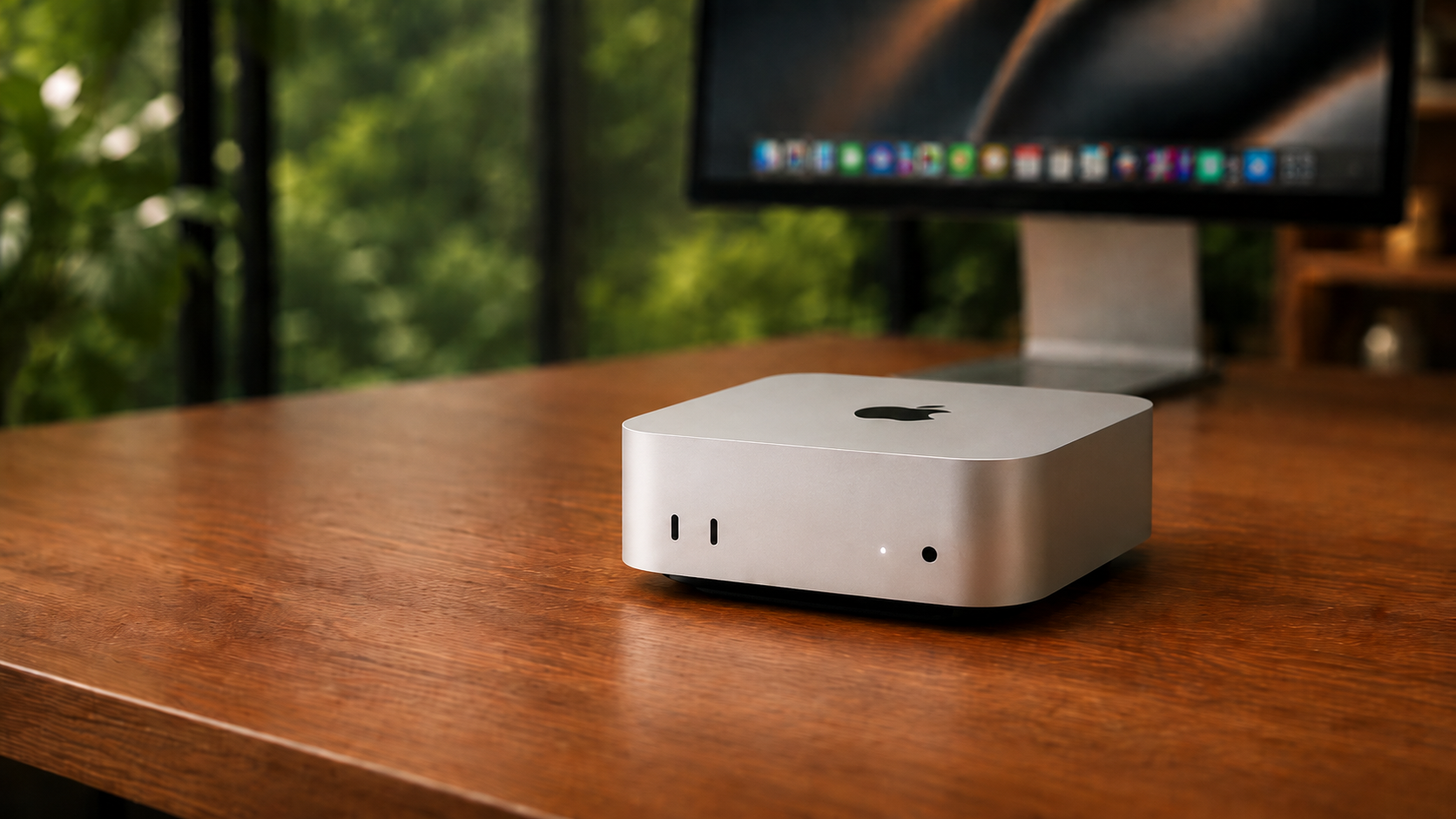
Hero image, annotated product screenshot, comparison table, numbered process, pullout/proof block |
Show visuals that explain the article. Do not use generic stock AI art when a real screen, diagram, or workflow would teach more. |